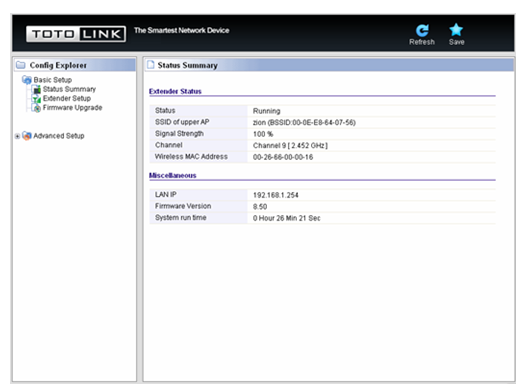
| This FAQ is suitable for: EX150, EX300 |
1-1. Connect to the extender by typing 192.168.1.254 in the address field of Web Browser. Then press Enter key.

1-2. It will show up the following page:
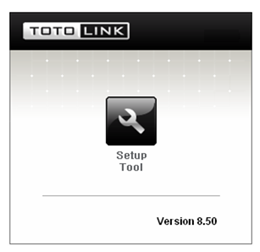
1-3. Click Setup Tool in the middle to enter the extender’s setting interface. Then it will require you to enter valid User Name and Password.
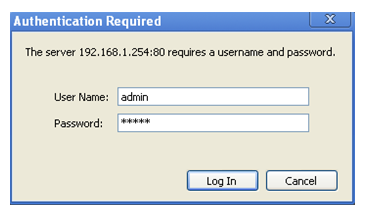
1-4. Enter admin for User Name and Password, both in lower case letters. Then click Log In button or press Enter key.